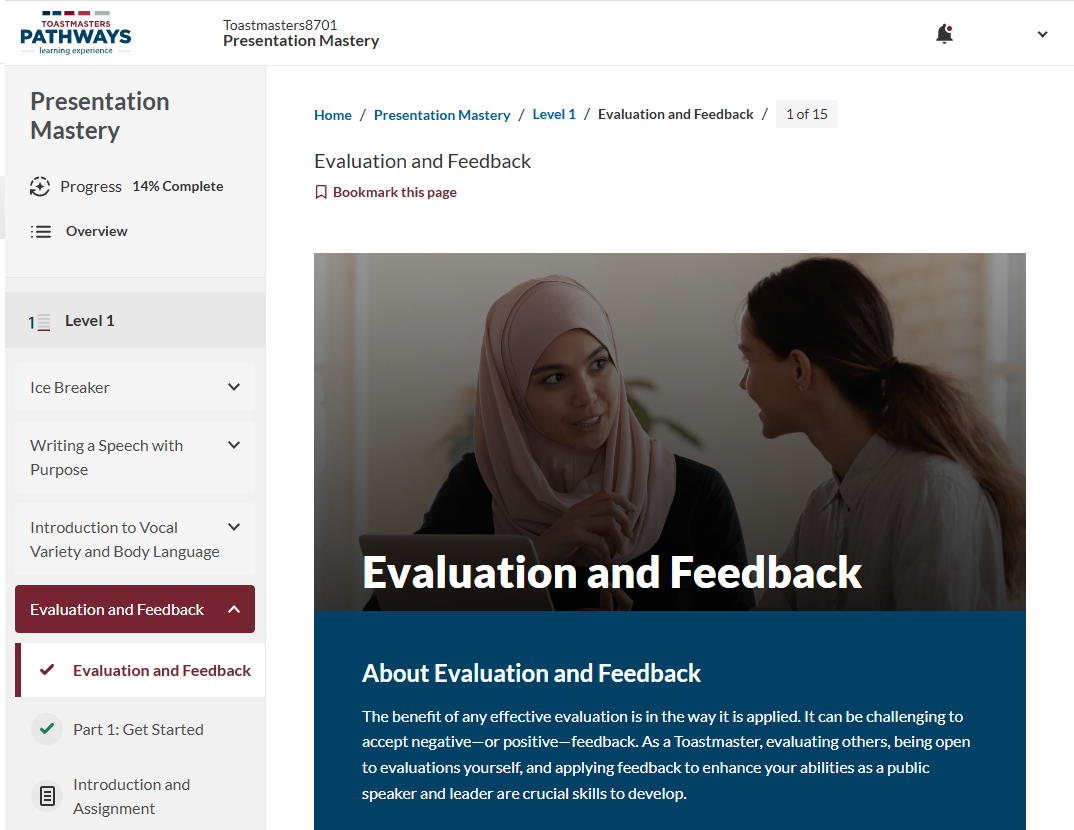
Here’s how to access your learning Pathways online:
Go to the Login page on Toastmasters International
- Go to the Toastmasters International website: https://toastmasters.org/
- Click the Login button at the top of the homepage.

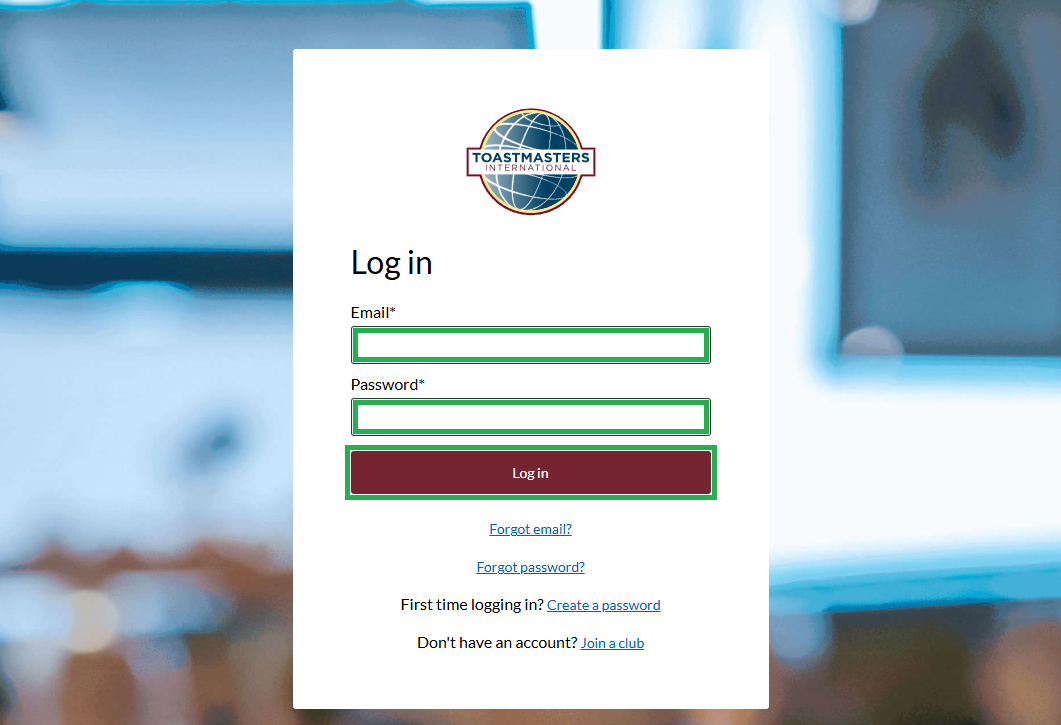
Login to Toastmasters International
- Enter your email and password, then click the Log in button.
Please note: Your login details for the Toastmasters International website are separate from the login details for the EasySpeak website.
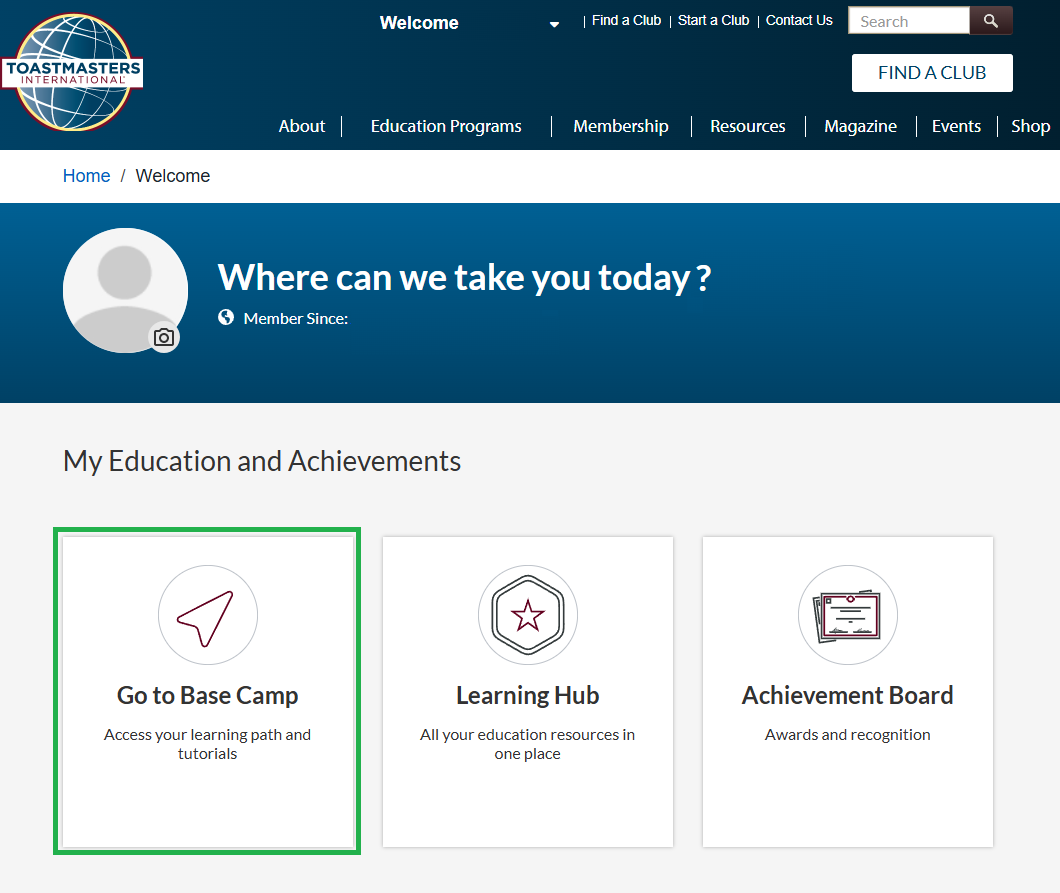
Go to Base Camp
- Click on Go to Base Camp.
Access Your Pathway
- Click on your current Pathway to access it.
Please note: If you do not have a Pathway yet, please see one of the Club Officers. 1 Pathway is included with your membership. Subsequent Pathways incur a charge payable to Toastmasters International.

Navigating Your Pathway
- Once you have accessed your Pathway, you will see it’s components:
- Pathway Name: Your Pathway will have a Pathway Name such as:
- Presentation Mastery
- Engaging Humour
- Dynamic Leadership
- Pathway Level: Each Pathway is made up of multiple levels which increase in complexity as you progress:
- Level 1 – Mastering Fundamentals
- Level 2 – Learning Your Style
- Level 3 – Increasing Knowledge
- Level 4 – Building Skills
- Level 5 – Demonstrating Expertise
- Assignments: Each level is made up of various Assignments. Assignments challenge you to deliver a speech with a particular area to focus on. Some assignments require you to deliver 1 speech and some require 2 speeches. Example assignments include:
- Ice Breaker
- Writing a Speech with Purpose
- Introduction to Vocal Variety and Body Language
- Evaluation and Feedback (Evaluation and Feedback – Speech 1, Evaluation and Feedback – Speech 2)
- Assignment Pages: Each assignment has numerous pages to work through. These include an introduction to the topic, key learnings to implement in your speech and details of how to deliver you speech in order to complete the assignment.
- Pathway Name: Your Pathway will have a Pathway Name such as: